0
0
Audience: Client Intake Coordinator
As a Client Intake Coordinator (CIC), you have access to essential lists designed to streamline your workflow and enhance your ability to manage mentoring requests effectively. These lists are the following:
How to View Available Mentors and SMEs for Your Chapter
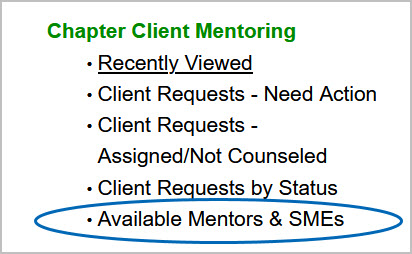
1) From the homepage, select "Available Mentors & SMEs".
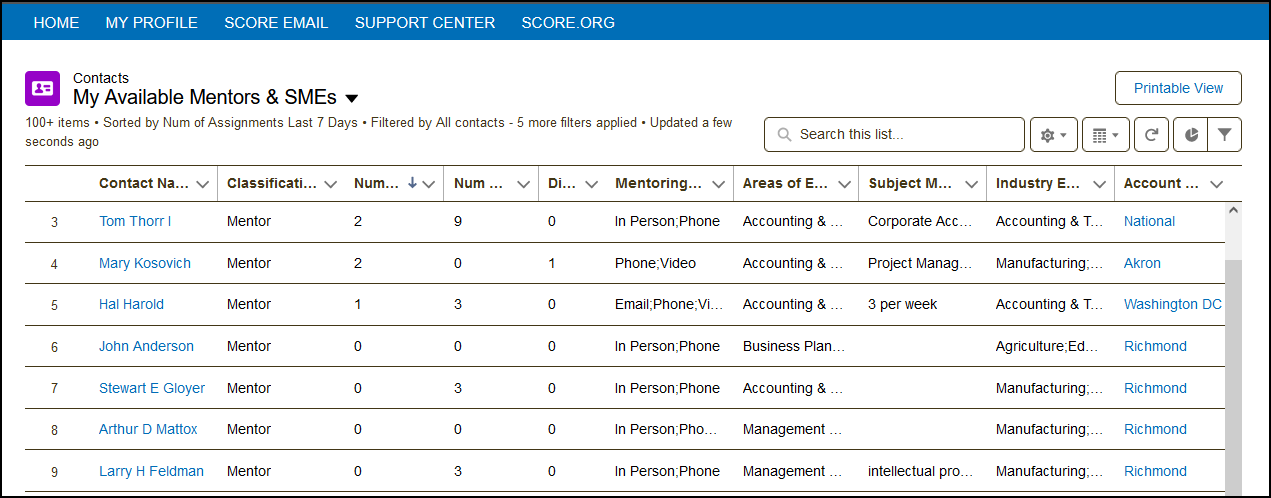
2) This list displays all the available mentors and subject matter experts (SMEs) in their chapter in one place. Also included in the view are columns displaying the number of assignments, number of client requests, mentoring methods, areas of expertise, etc.
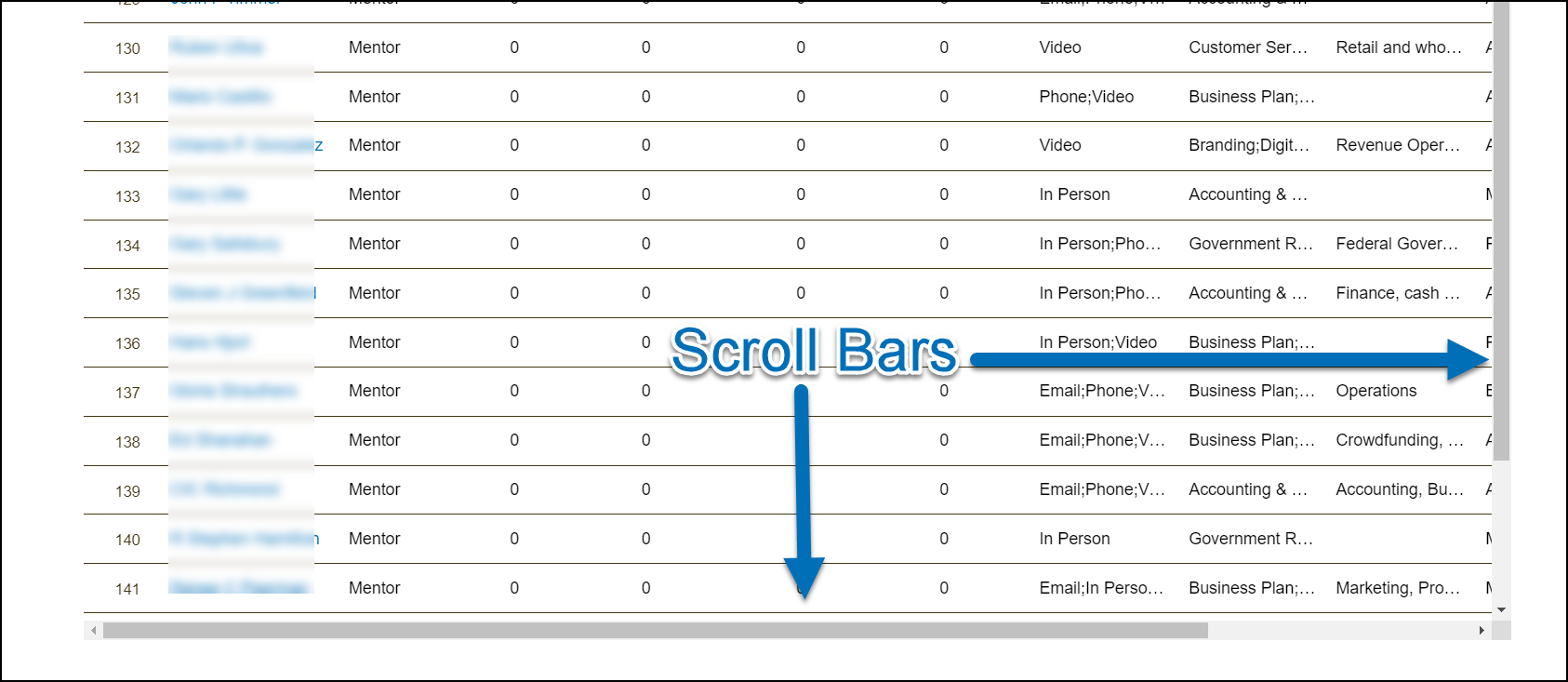
Use the vertical scroll bar on the right to move up and down the list. Use the horizontal scroll bar at the bottom to move left and right to view all columns.
View all Active Mentors in Your Chapter
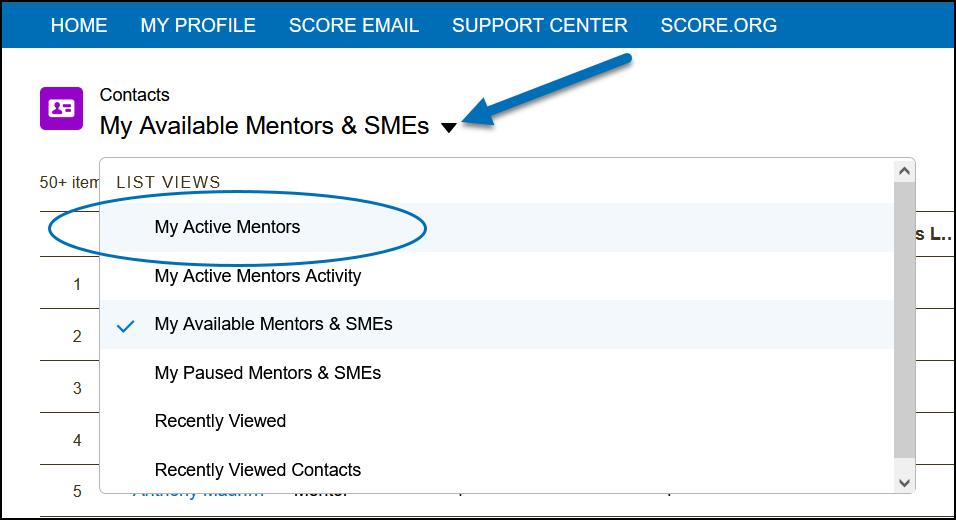
1) From the View Available Mentors and SMEs list, click the drop-down arrow next to the list name.
2) Then, select "My Active Mentors". You can also view the list of all active mentors in the chapter or chapters with which you are affiliated.
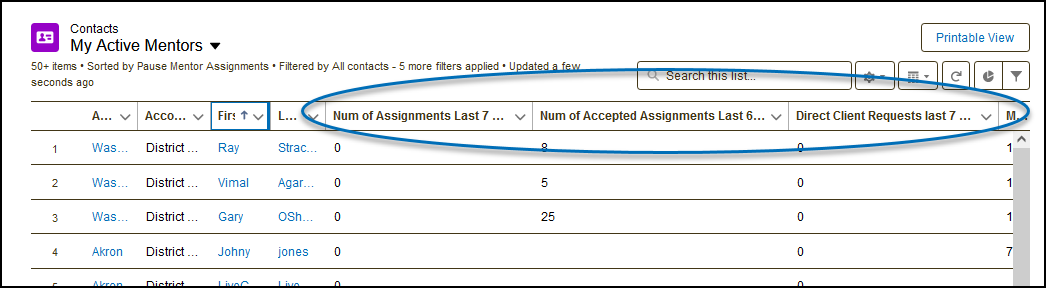
The Active Mentors list contains columns for the Account Name (Chapter), District, First Name, Last Name, Num of Assignments Last 7 Days, Num of Assignments Last 60 Days, Direct Client Requests last 7 days, Maximum direct client weekly request, Accept Direct Request, Pause Mentoring Assignments, Areas of Expertise, Subject Matter Expertise, Industry Experience, Email.
View Chapter Client Request - Not Accepted
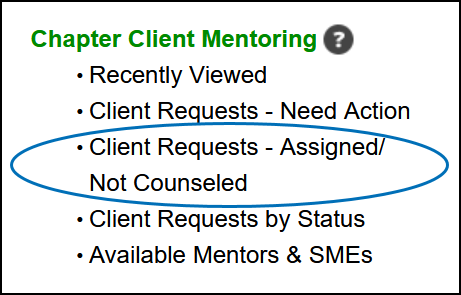
1) Select "Client Requests - Assigned/Not Counseled" from the homepage.
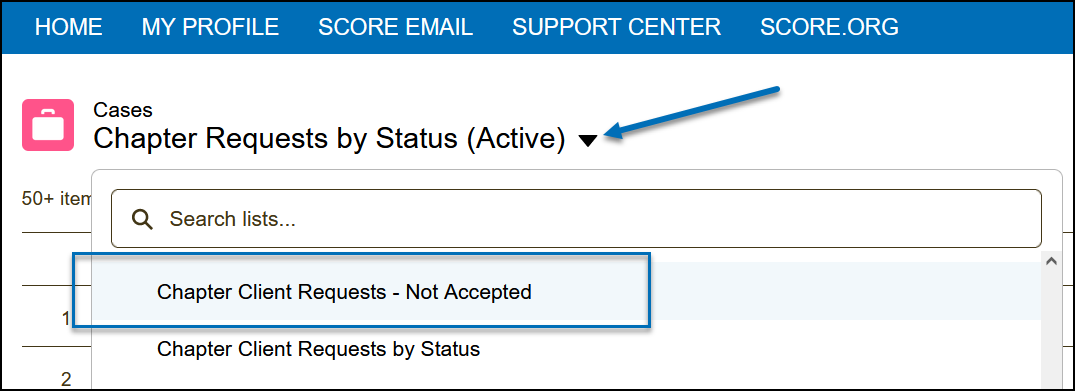
2) Click the drop-down arrow next to the list name and select "Chapter Client Requests - Not Accepted." Mentoring requests with an "Assigned-Pending" assignment status are shown in this list.