View Messages In GMAIL Using SCORE Email

Feb 18, 2026
 0
0
Please follow the steps below in any browser to access your SCORE Email Inbox, video version is below.
Screenshot of Steps
- Open any web browser or mobile device
- Type in www.gmail.com in the address bar
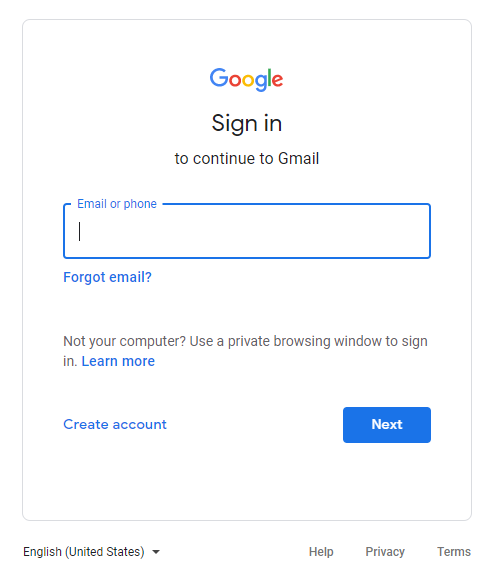
- Enter SCORE Email on the "Sign in to continue to Gmail" page
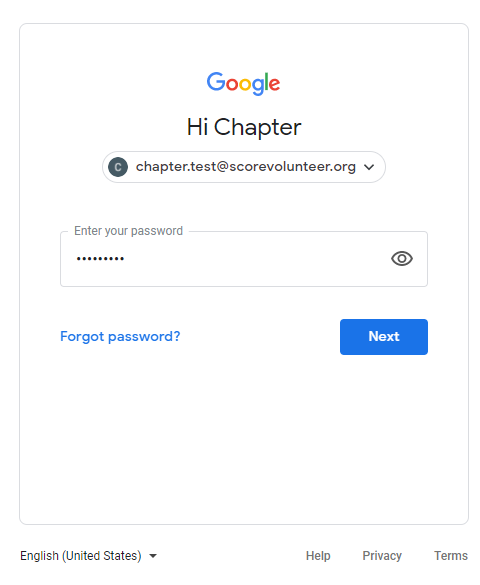
- Enter Password
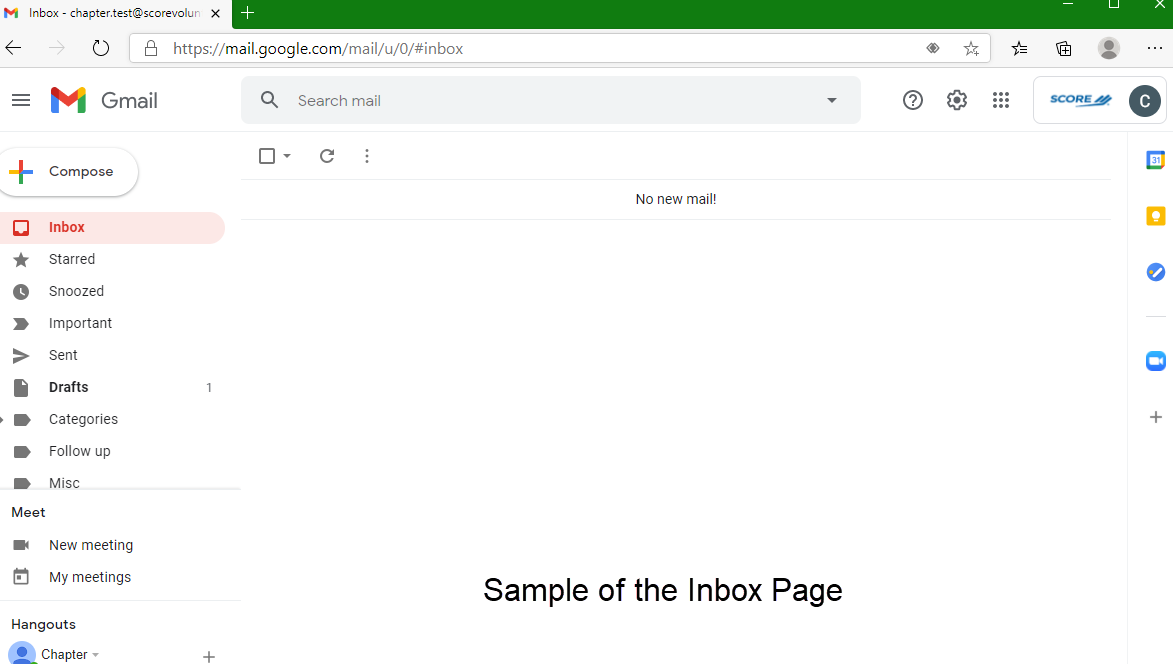
- Inbox page where all SCORE emails will be located (this is an example below).