Reset @Scorevolunteer.org Email

Feb 18, 2026
 1
1
If you currently have set up a recovery email or phone, please continue to follow the steps below to reset your scorevolunteer.org email account password
- Click this link to access the Sign-On Page
- On the Account, Recovery page enter your @scorevolunteer.org email (example: [email protected])
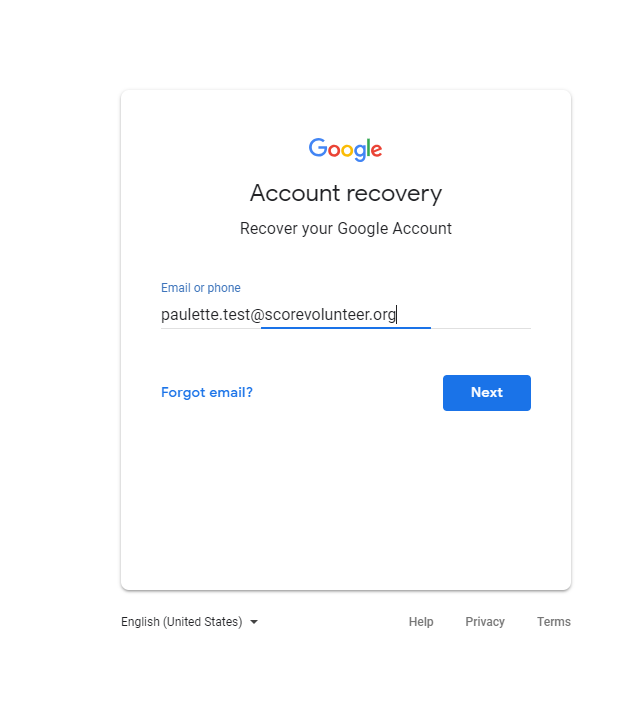
- Click NEXT, and hit Forgot Password?
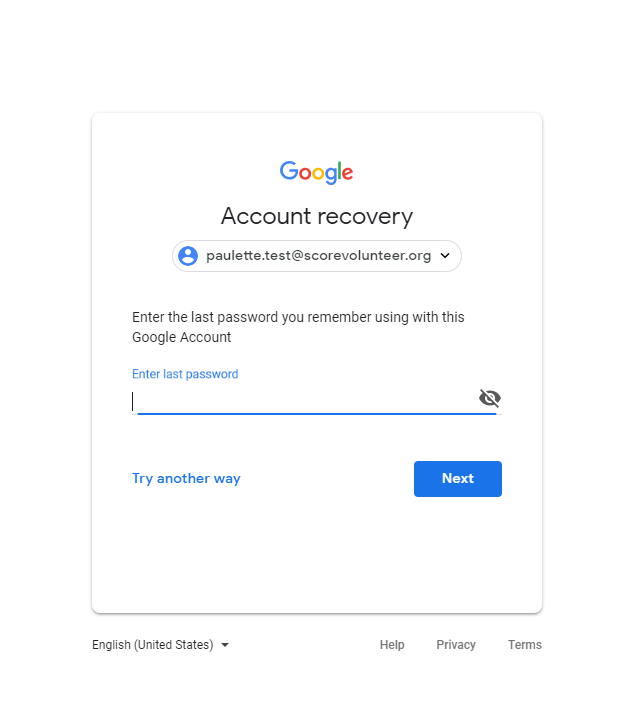
- Enter the last password you remember, then click next, Google will ask to prompt you to select phone or email to recover.
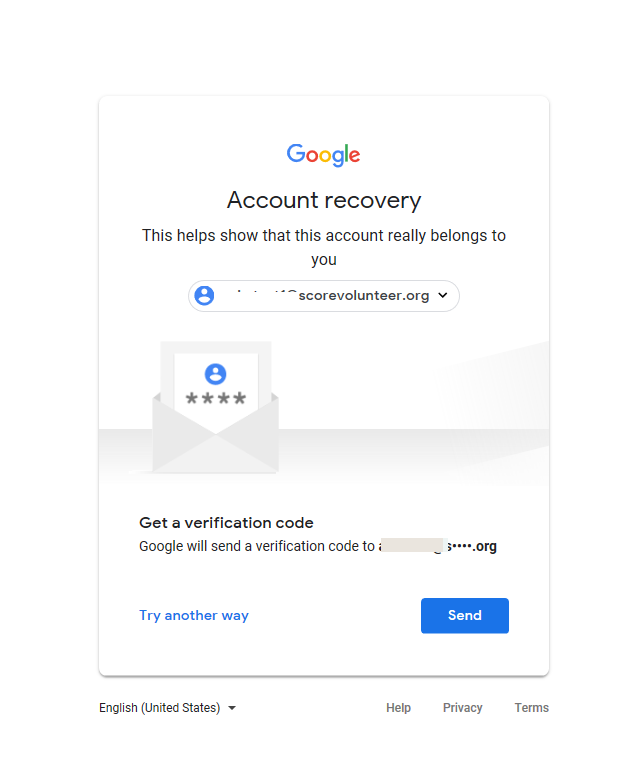
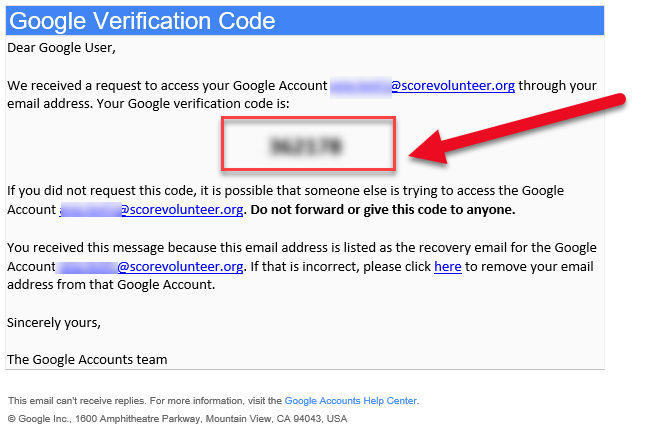
- Enter the code sent to your recovery email, an example of a Recovery Email Message including code is below:
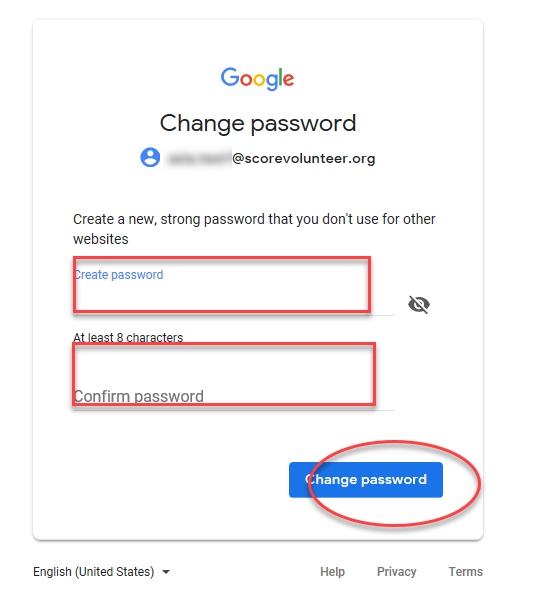
- Once the code has been added, it will allow you to set a new password.