
How to View Your SVO Account on Your iPhone

Last updated: Feb 18, 2026
378
views

Thank you to Sally Broff, SCORE San Diego Chapter Chair, for creating and sharing this guide!
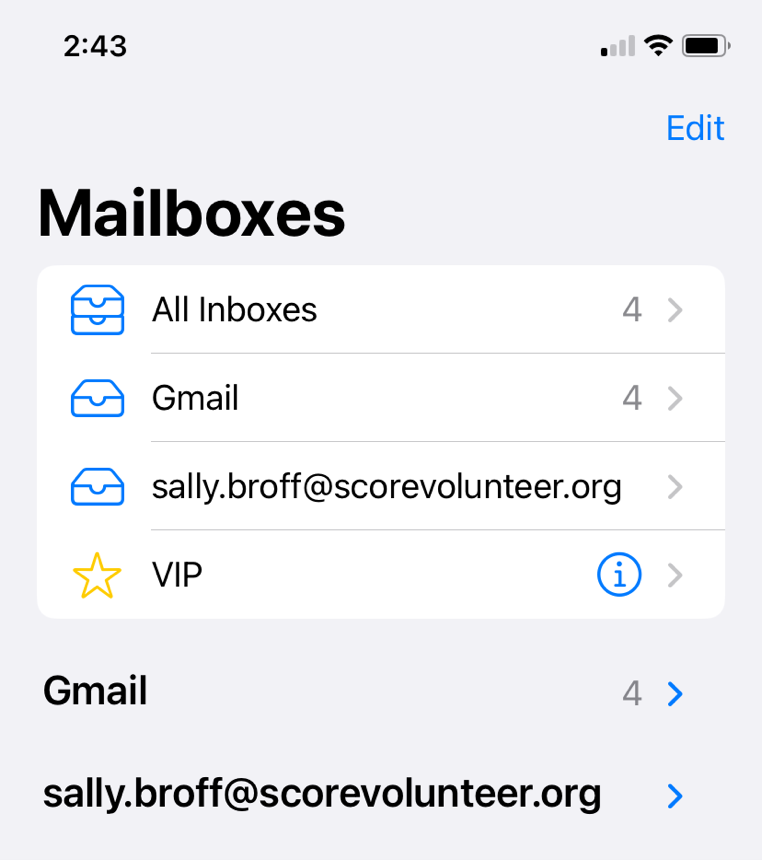
The easiest way to keep up to date on your SCORE email (SVO) is to view it on the email client of your iPhone.
Here is what your Mailboxes screen will show:
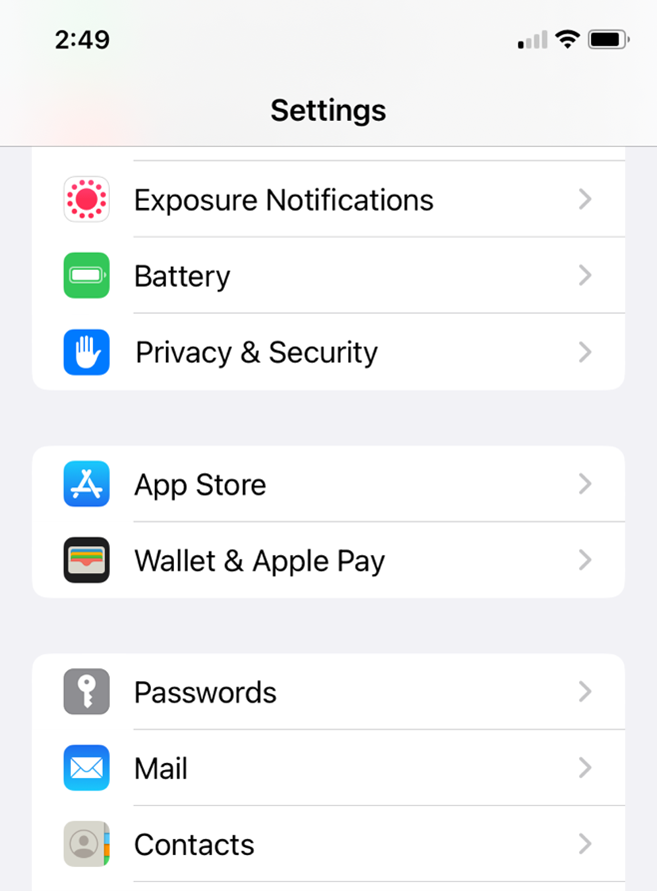
Open the Settings icon on your home screen.
Scroll down until you see Mail and select.
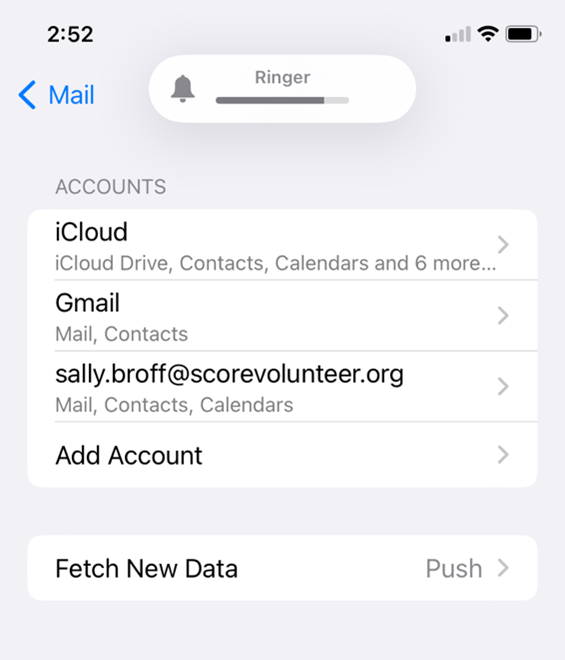
Click Accounts. Then click Add Account.
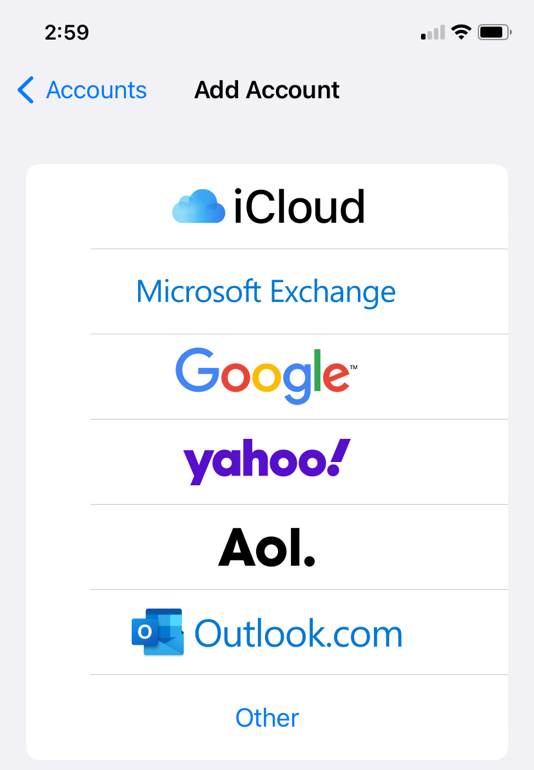
Select Google.
Sign in to your Google account.
Allow IOS to access your Google account.
Click Save at the upper right and you are done!