

Add Recovery Email/Phone

Last updated: Feb 18, 2026
427
views

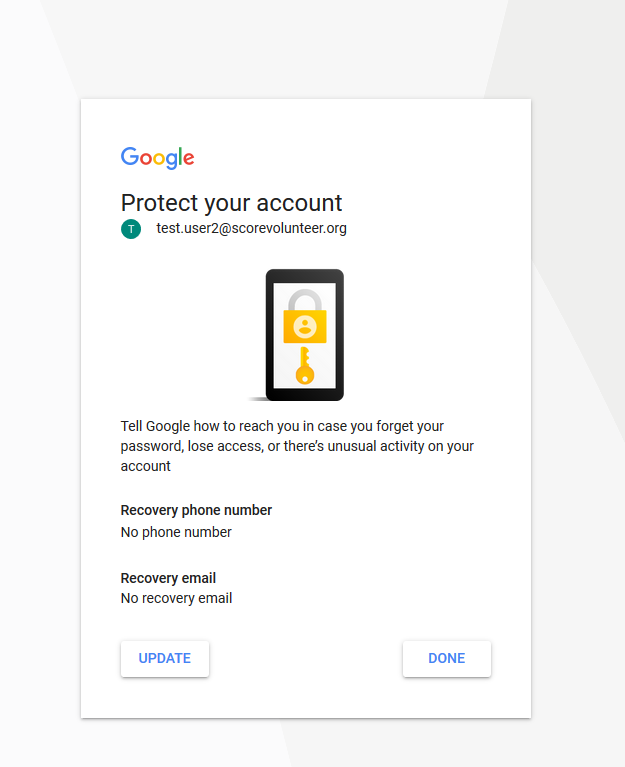
Once you've logged into the SCORE Email adding your personal email or phone number can help you regain access to your SCORE Email.
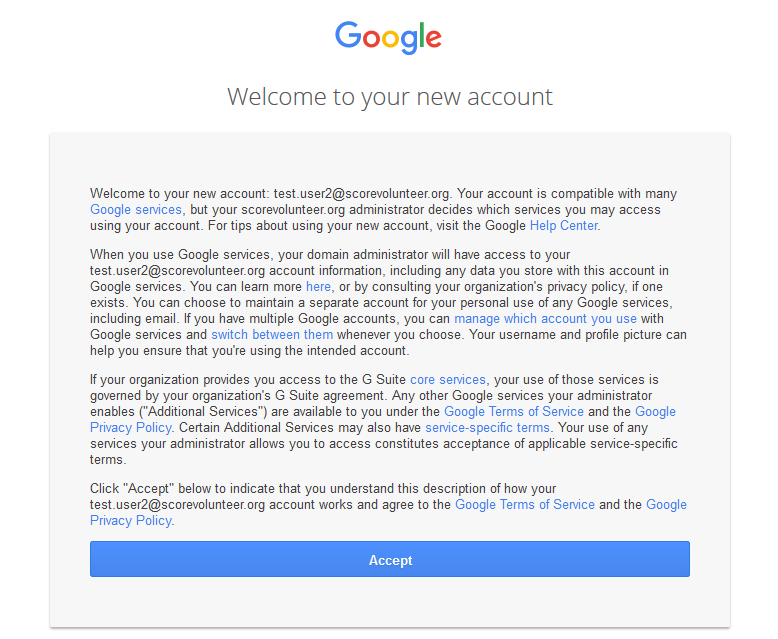
1. Welcome Screen
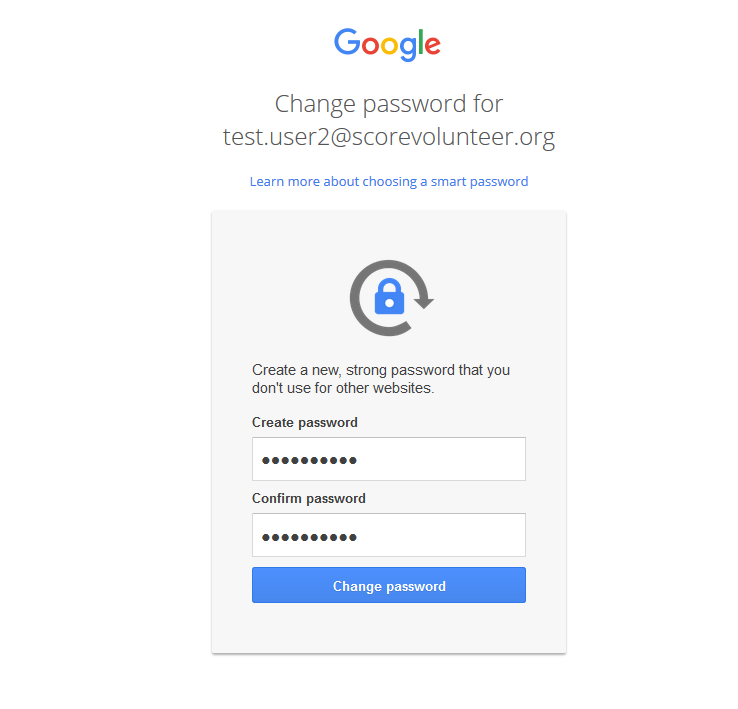
2. Create a Password
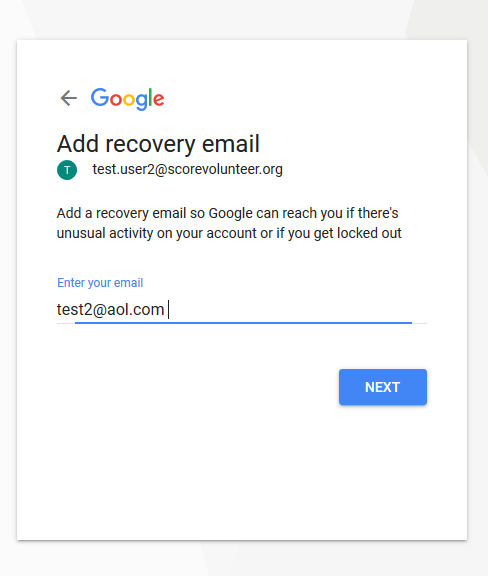
3. Add Personal Email and Phone
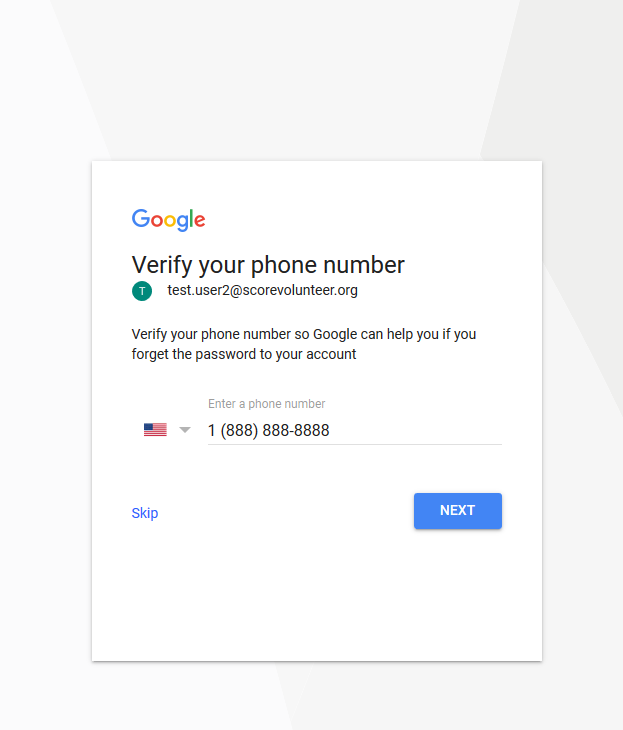
4. Verification
Add Phone Number
Add Personal Email
5. Welcome Screen/Gmail Homepage

Related:
Reset your @scorevolunteer.org email

