How To: Run a BIRT Report

Feb 02, 2026
 0
0
Audience: All Volunteers and Staff
Video Guide:
Step-by-Step Guide:
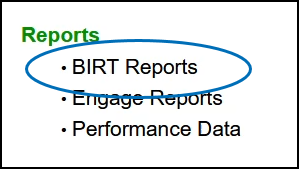
1) Click BIRT Reports from the Engage Homepage.
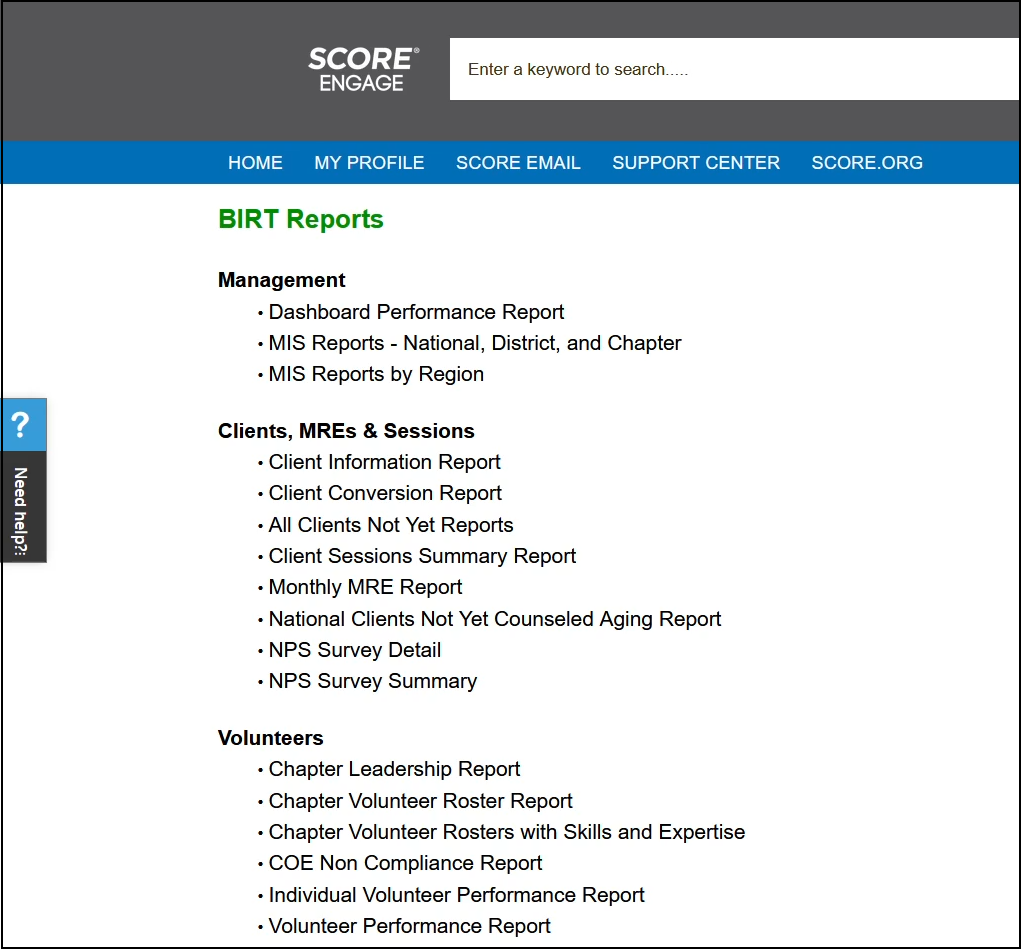
2) Select the BIRT Report to run.
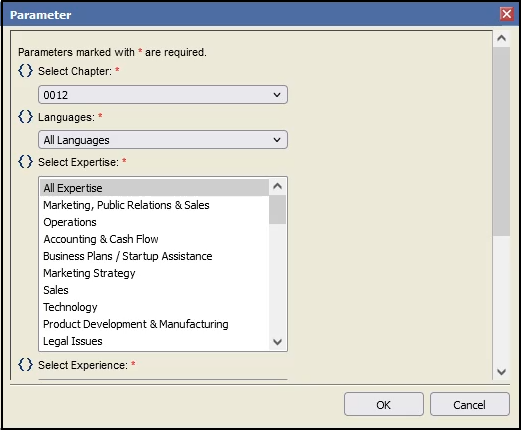
3) You'll get redirected to the BIRT Reports Viewer page - and when prompted, select your chapter if it isn't selected yet on this window. Select all applicable fields in this window too.
Note: To select more than one option, hold down your control key for Windows or command key for Mac user and click with your mouse to select multiple items.
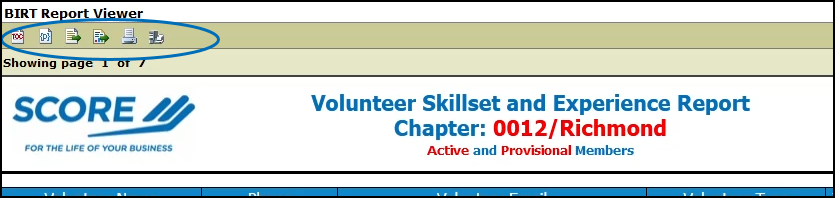
4) To print the report, select the Print icon on the top left OR select Export Data icon to download file in your local device.